Table of Contents
- How to Organize Statements of Work, Change Orders, and Approval History in a Client Dispute
- Why Organization Matters So Much In A Contract Dispute
- What To Gather First
- 1. The Core Contract File
- 2. Every Statement Of Work Version
- 3. Change Orders And Scope Modifications
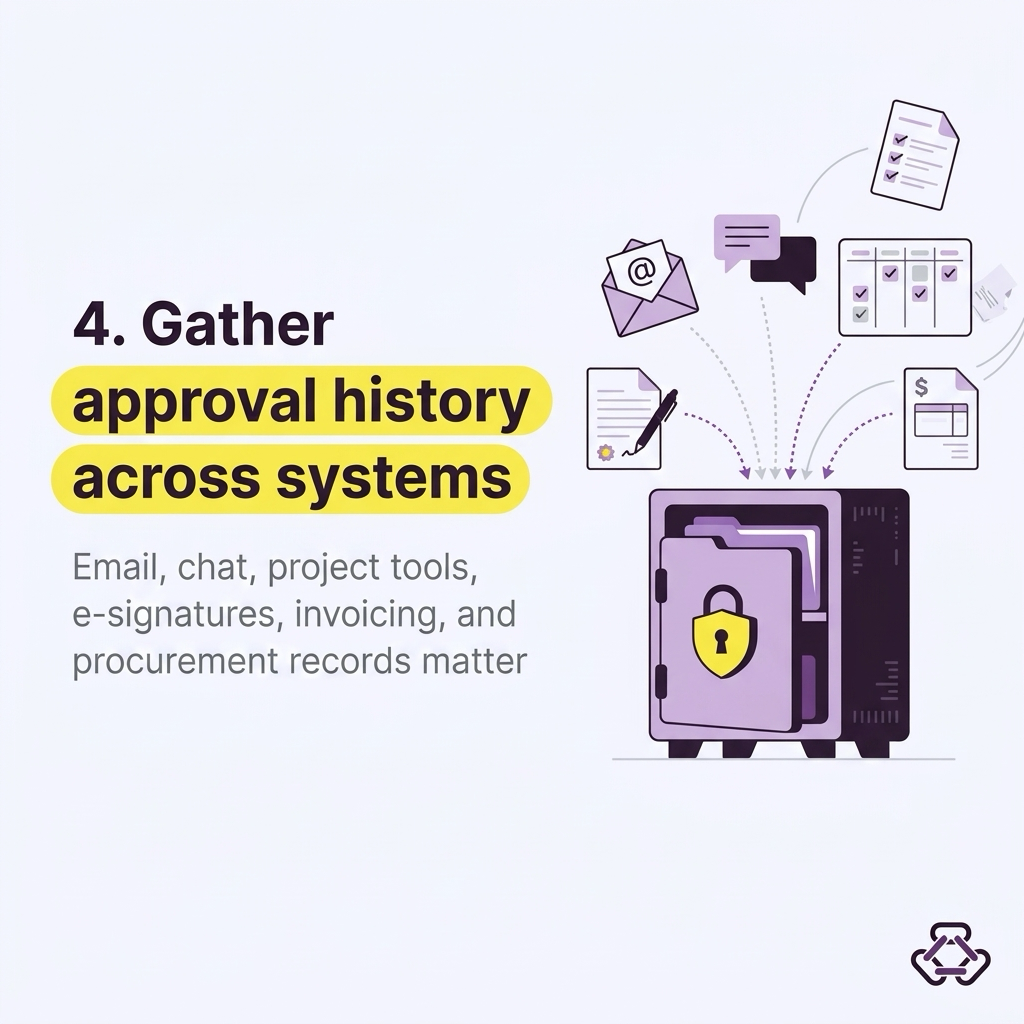
- 4. Approval History
- How To Build A Dispute-Ready File
- 1. Create A Master Chronology
- 2. Organize By Document Family, Not Just By Date
- 3. Separate Original Scope From Changed Scope
- 4. Track Who Had Authority To Approve
- 5. Preserve Metadata And Native Files
- How To Handle Informal Approvals
- What Approval History Often Looks Like In Real Life
- Documents That Often Get Overlooked
- Meeting Notes And Recap Emails
- Project Management Logs
- Invoice Narratives
- Deliverable Acceptance Records
- Internal Escalation Notes
- Red Flags That Suggest Your File Is Not Ready
- How An Attorney May Use This Organized Record
- Contract Formation And Interpretation
- Modification, Waiver, And Course Of Performance
- Authentication And Admissibility
- Damages
- Credibility
- A Simple Framework For Businesses In The Middle Of A Dispute
- Step 1: Freeze The Record
- Step 2: Build The Timeline
- Step 3: Tag Each Item
- Step 4: Identify The Missing Pieces
- Step 5: Prepare A Summary For Counsel
- The Bigger Picture In Client Disputes
- Final Thoughts

Type
Great Grandchild
Status
Approved
Title (YouTube)
Images Failed (Social)
Images Failed (Social)
Do not index
Publish Date (TikTok)
Jan 5, 2027 10:15
Videos Post IDs (Social)
Hashtags (Social)
#LegalAdvice #LegalHelp #BusinessLitigation #CustomerClientDisputes
Caption
Caption X
Cover

OG Image

Alt Image Text
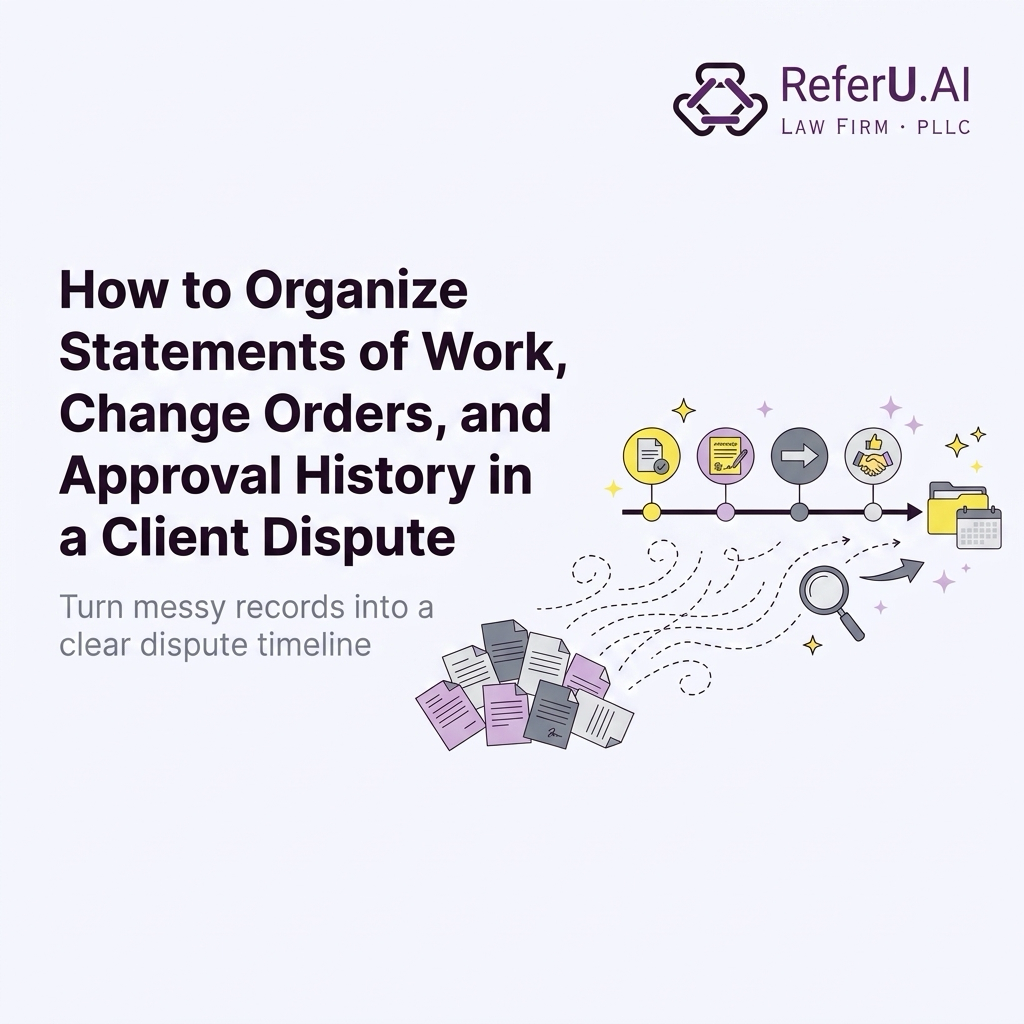
Flat vector illustration of organizing statements of work, change orders, and approval history in a client dispute with documents, timeline elements, and approval records.
Images

Videos
Publish Date (Social)
Dec 16, 2026 07:30
Scheduled (Social)
Scheduled (Social)
Images Posted (Social)
Images Posted (Social)
Videos Posted (Social)
Videos Posted (Social)
Videos Failed (Social)
Videos Failed (Social)
Featured
Created time
Apr 3, 2026 10:12 PM
Sub-item
Authors
CTA Practice Area (Social)
Business Litigation
TikTok Failed (Social)
TikTok Failed (Social)
Videos Post Links (Social)
YT Auto Captions Removed
TikTok Post Links (Social)
Images Post IDs (Social)
YT Post ID
Video Pending Manual (Social)
TikTok Posted (Social)
TikTok Posted (Social)
TikTok Post IDs (Social)
Video Cover (Social)
Images Post Links (Social)
First Comment (Social)
YT Embedded
Images Delete (Social)
Videos Delete (Social)
Carousel Video URL (Social)
How to Organize Statements of Work, Change Orders, and Approval History in a Client Dispute
When a client dispute starts building, the paperwork often becomes the real battleground. Not the polished proposal. Not the kickoff call. Usually it is the messy trail of statements of work, email approvals, revised pricing, schedule shifts, Slack messages, and half-finished change requests that tells the story.
That is especially true in business-to-business conflicts involving scope creep, nonpayment, performance complaints, or termination. In many cases, the core question is less “Who is right?” and more “What was actually agreed to, when, by whom, and in what order?”
A well-organized record can help turn a confusing dispute into a timeline that an attorney, mediator, insurer, judge, or arbitrator can actually follow. It can also help separate original scope from later additions, informal approvals from binding modifications, and ordinary friction from a true contract breach.
In this post you’ll learn how to organize statements of work, change orders, and approval history in a client dispute, what documents usually matter most, where businesses often lose track of key evidence, and how an attorney may use that record to evaluate claims and defenses. For a broader overview of these business fights, it may help to start with this guide to client contract conflicts involving scope, payment, performance, and termination.
Scroll to the bottom for every post in this series.
Why Organization Matters So Much In A Contract Dispute
In general terms, client disputes often rise or fall on documentation. If the contract says changes require written approval, the next question is whether the parties followed that process, waived it, or created a new pattern through their conduct. The American Bar Association notes that many contracts require written change orders, but disputes often arise because parties proceed through verbal directives or informal conduct anyway, creating factual fights over whether the written requirement was effectively waived or modified by behavior (American Bar Association).
That is not limited to construction. The same problem appears in marketing, software development, consulting, design, staffing, managed services, and other professional-service relationships. One side sees a request as part of the deal. The other sees it as extra work. One side sees an email as approval. The other says procurement never signed off. One side points to deliverables. The other points to missing milestones.
A clean file helps answer questions like:
- What was the original scope?
- What deliverables were promised?
- What deadlines applied?
- What pricing model governed the work?
- What changes were requested later?
- Who approved those changes?
- Did anyone object at the time?
- Did the parties continue performing after the dispute surfaced?
- What records were created in the ordinary course of business?
That last point can matter later in litigation. Under the Federal Rules of Evidence, records kept in the course of a regularly conducted business activity may qualify under the business-records exception, assuming foundational requirements are satisfied and the records appear trustworthy (Cornell Legal Information Institute; Cornell Wex). Electronic evidence may also be authenticated through certifications and technical proof under Rules 902(13) and 902(14) (Cornell Legal Information Institute).
What To Gather First
Before sorting anything, it helps to identify the universe of relevant records. In many client disputes, the important documents include far more than the signed master agreement.
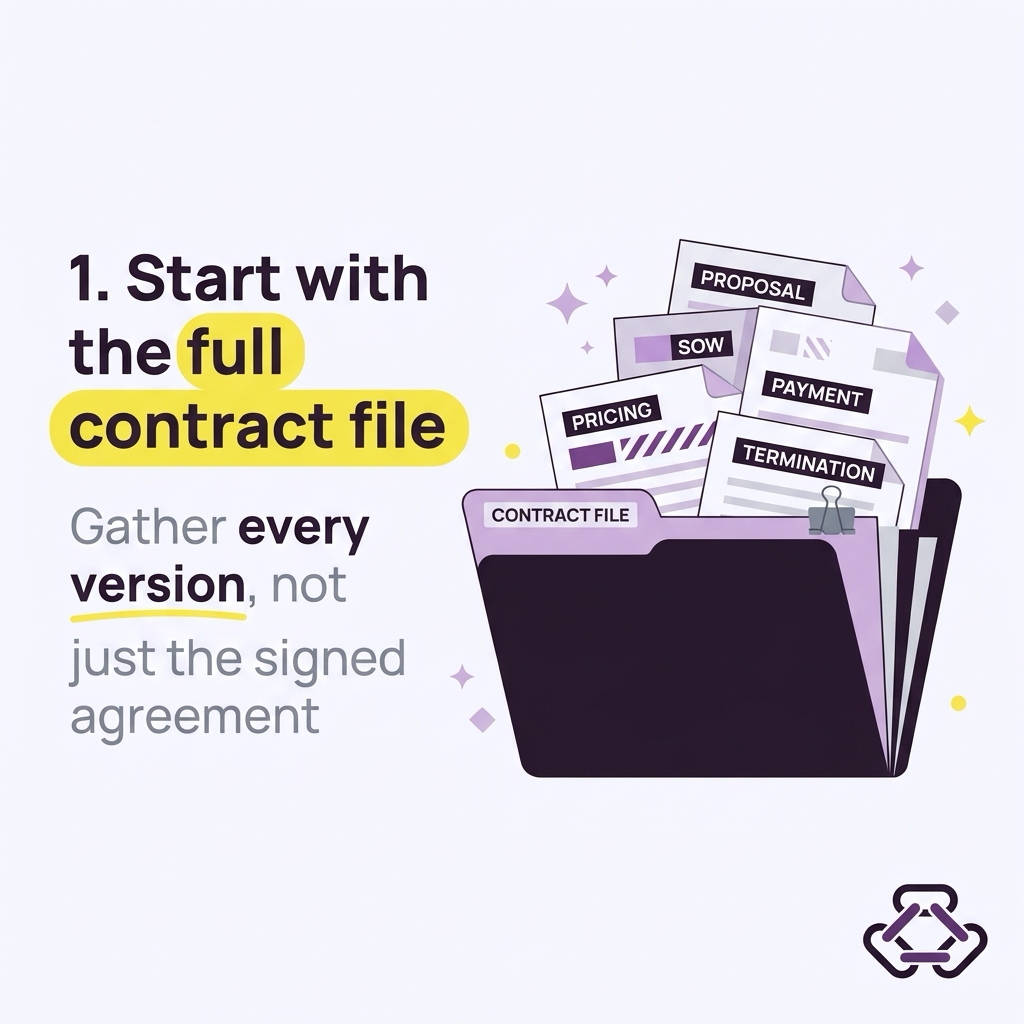
1. The Core Contract File
Start with the documents that formed the original deal:
- Master services agreement
- Client services agreement
- Proposal or estimate
- Statement of work
- Scope exhibit
- Pricing schedule
- Service-level terms
- Payment terms
- Termination provisions
- Integration clause
- Amendment clause
- Order forms
If there were multiple versions, keep every version, not just the final one. Earlier drafts may help explain negotiations, deleted language, and disputed assumptions.
2. Every Statement Of Work Version
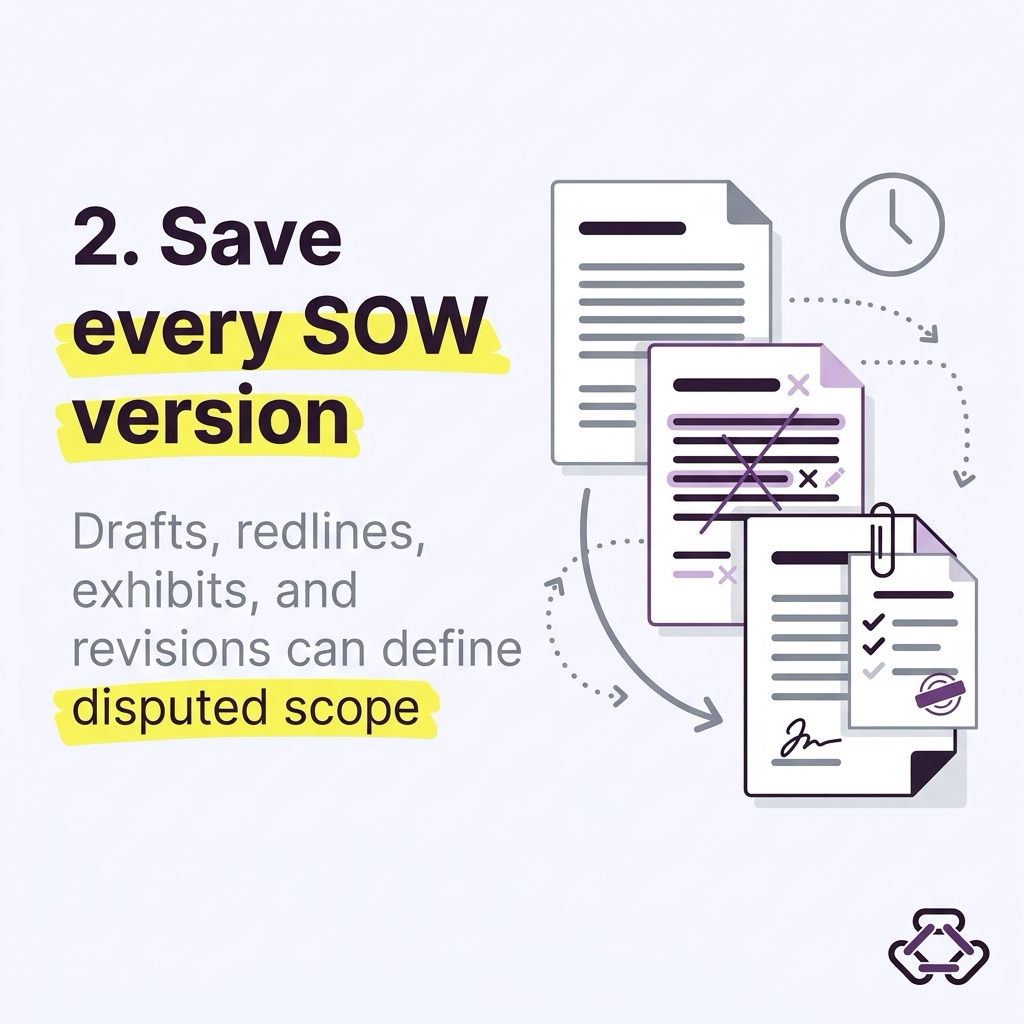
This is where many businesses get into trouble. They save the signed SOW but not the redlines, interim drafts, or replacement scopes. If the dispute involves “that was included” versus “that was out of scope,” version history can become central.
Create a folder that includes:
- Draft SOWs
- Signed SOW
- Revised SOWs
- Attached exhibits
- Technical specifications
- Implementation assumptions
- Milestone definitions
- Acceptance criteria
If the project evolved over time, label each file by date, version number, and status.
3. Change Orders And Scope Modifications
In the construction context, AIA describes a change order as a written instrument signed by the owner, contractor, and architect stating agreement on the change in the work, the contract sum adjustment, and the contract time adjustment (AIA Contract Documents). ConsensusDocs similarly describes its change-order form as a document used to formalize modifications to the original contract with signatures from both sides (ConsensusDocs).
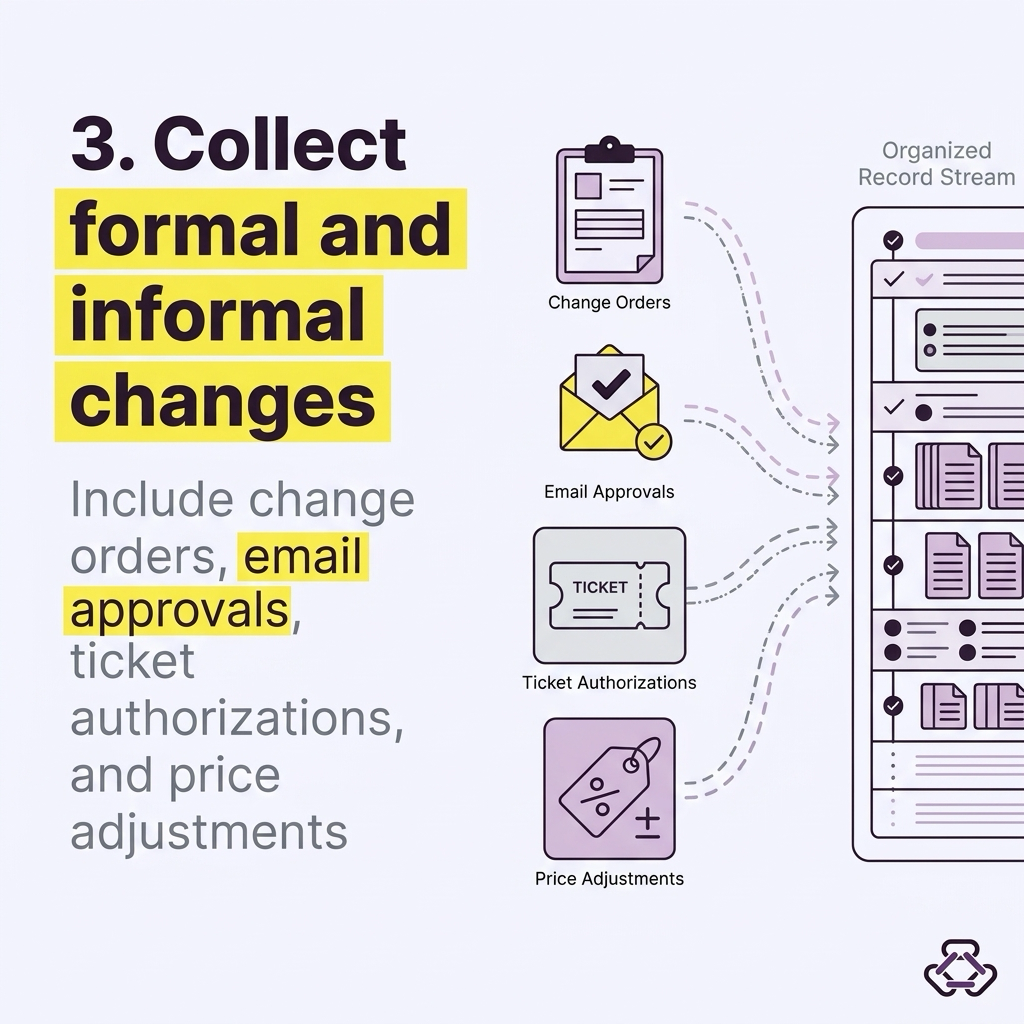
Outside construction, the labels vary, but the function is similar. Look for:
- Change orders
- Change requests
- Scope amendments
- Work authorizations
- Addenda
- Price adjustments
- Renewal orders
- Email approvals for extra work
- Ticket-based authorizations
- Purchase order revisions
Even if a formal change order was never signed, communications about changed work may still matter. The ABA has noted that conduct can sometimes support arguments about contract modification or waiver, depending on the governing law and facts (American Bar Association).
4. Approval History
Approval history is often scattered across systems. Gather records from:
- Slack or Teams
- Project management platforms
- CRM notes
- Procurement systems
- E-signature platforms
- Shared drives
- Invoicing software
- Ticketing systems
The legal significance of electronic approvals can be substantial. The Uniform Law Commission explains that the Uniform Electronic Transactions Act establishes the legal equivalence of electronic records and signatures with paper writings and manual signatures, and notes that UETA and the federal E-SIGN law generally provide that a transaction is not invalid solely because contract terms are in electronic form (Uniform Law Commission).
That does not mean every email equals a binding amendment. It does mean electronic records often deserve careful preservation and review.
How To Build A Dispute-Ready File
Once the records are collected, the next step is to organize them in a way that tells a coherent story.
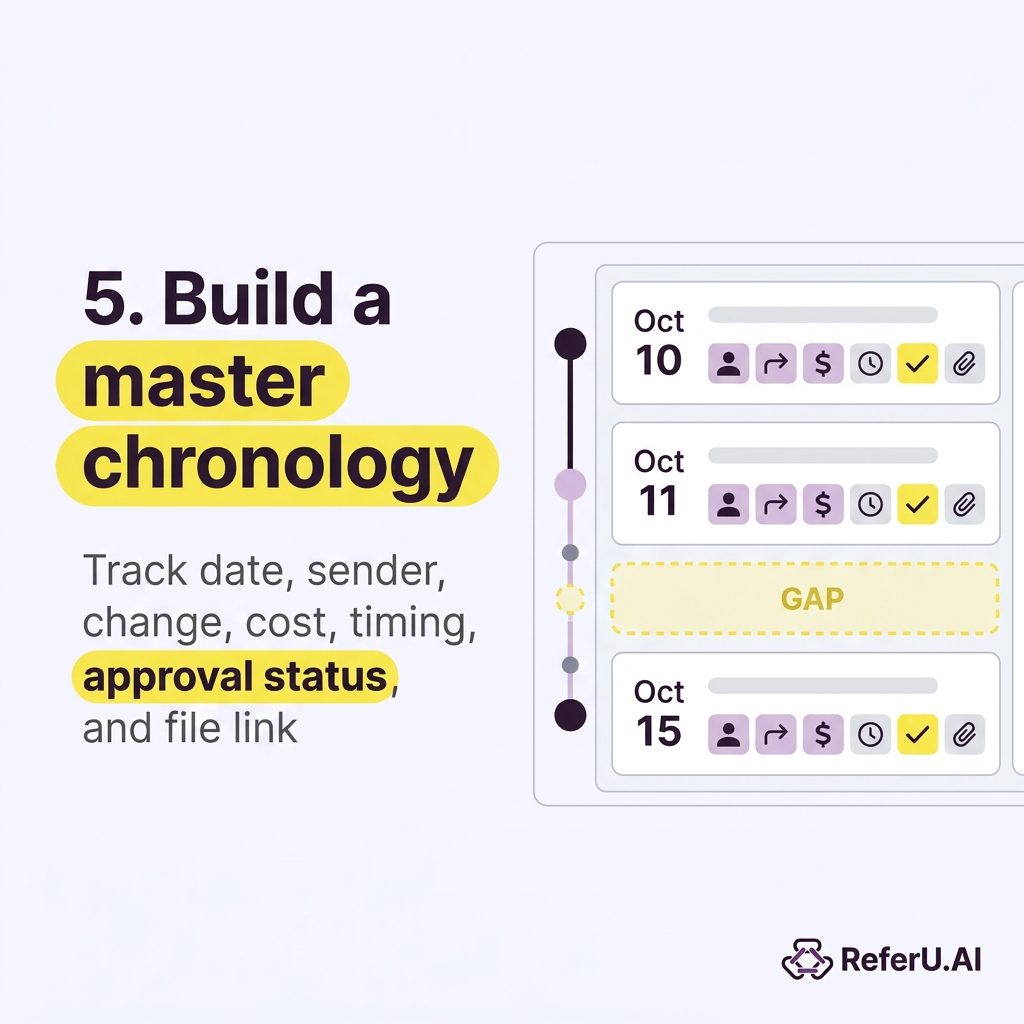
1. Create A Master Chronology
Open a spreadsheet and build a timeline with these columns:
- Date
- Document or communication
- Sender
- Recipient
- Subject
- Category
- What changed
- Cost impact
- Time impact
- Approval status
- Notes
- File link
This chronology often becomes the backbone of the case file. It helps reveal gaps, conflicting dates, missing approvals, and later conduct that may contradict someone’s current position.
For example:
- January 10: Initial proposal sent
- January 18: SOW v2 adds dashboard integration
- January 22: Client signs SOW
- February 5: Client asks for mobile version
- February 7: Team replies “outside current scope”
- February 9: Client says “please proceed”
- February 14: Budget estimate for extra feature sent
- February 20: Revised invoice includes added work
- March 1: Client disputes invoice and says feature was included
That timeline may sound simple, but in a live dispute it can quickly show where the fight really begins.
2. Organize By Document Family, Not Just By Date
Date order helps with narrative. Document families help with proof. A practical folder structure may look like this:
- 01 Master Agreement
- 02 Statements Of Work
- 03 Change Orders And Amendments
- 04 Approval History
- 05 Project Communications
- 06 Deliverables And Acceptance
- 07 Invoices And Payment Records
- 08 Dispute Notices
- 09 Internal Notes
- 10 Preservation Copy
Inside each folder, name files consistently:
2025-01-22_SOW_Version-3_Signed.pdf2025-02-09_Email_Client-Approval-Mobile-Feature.msg2025-02-14_Change-Request_Extra-Scope_Pricing.xlsxThis may sound administrative, but it can make attorney review faster and less expensive.
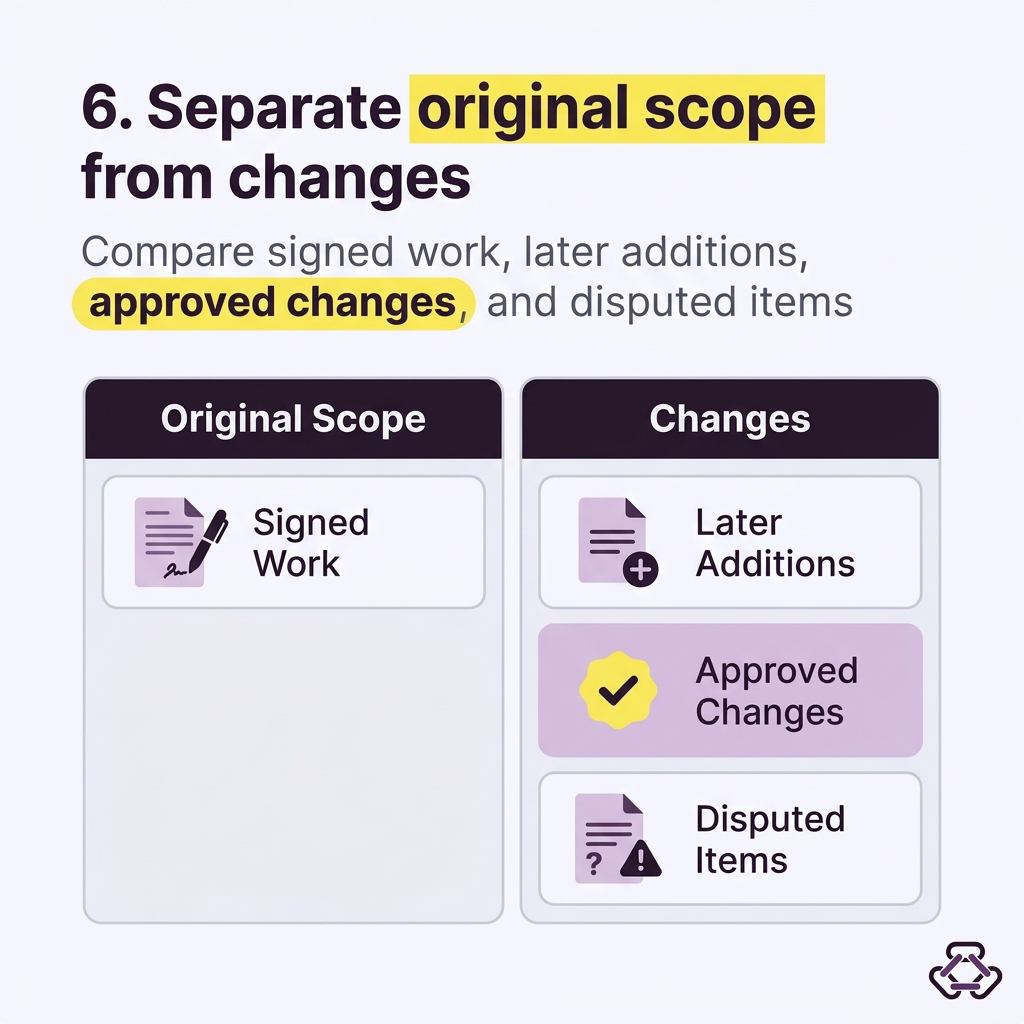
3. Separate Original Scope From Changed Scope
One of the most important tasks is distinguishing the work promised at signing from the work added later.
Create a comparison table with four categories:
- Original Scope
- Requested Additions
- Approved Changes
- Disputed Work
This is where scope-creep disputes often become clearer. If a feature appears nowhere in the signed SOW but shows up in later emails and revised timelines, that may support an “extra work” argument. If the feature appears in an attached requirements document the client says was incorporated from day one, the analysis may look different.
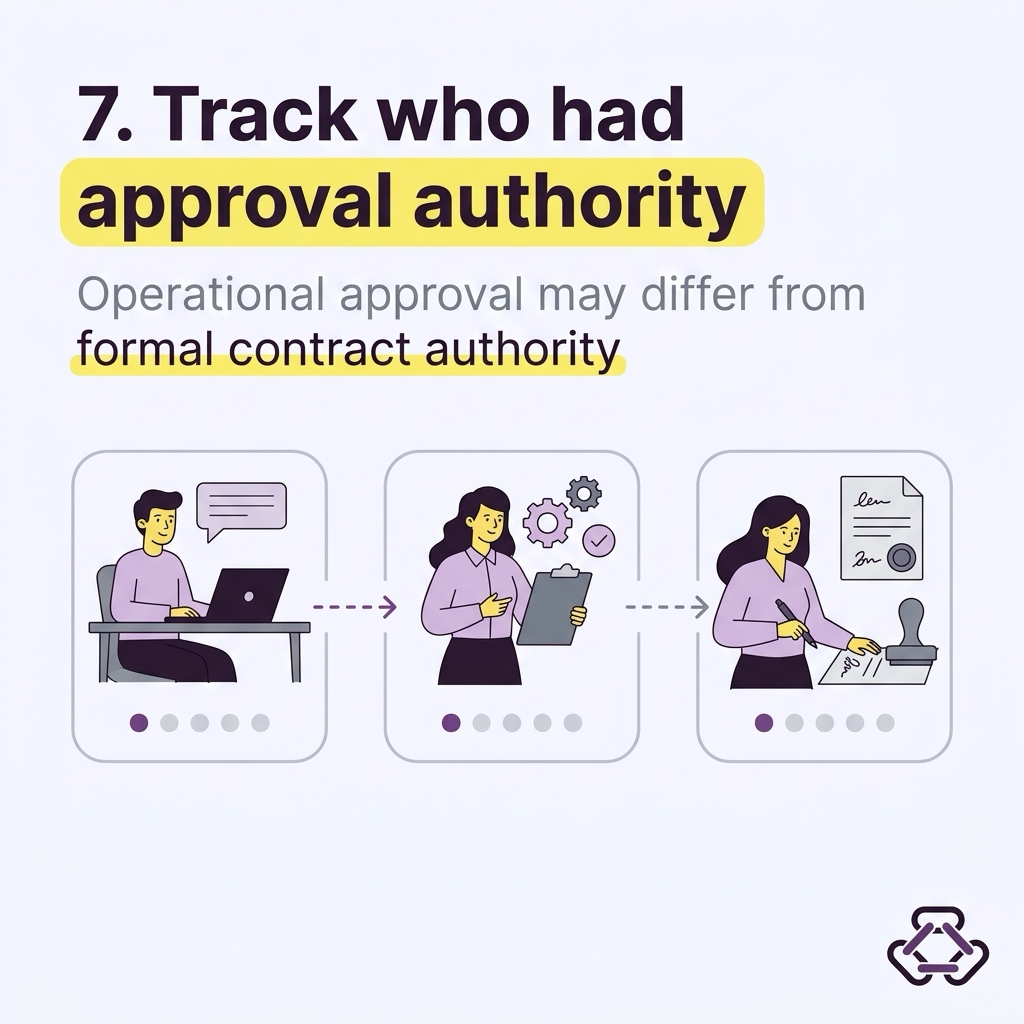
4. Track Who Had Authority To Approve
In many disputes, one side says: “Yes, the project manager approved that, but the contract required written approval from procurement, an executive, or someone else.”
Add an “authority” field to your timeline:
- Formal signatory under contract?
- Operational contact only?
- Procurement contact?
- Department head?
- Outside consultant?
- Architect or owner representative?
- Person copied but not responding?
This matters because contract amendment clauses often specify who can bind the company and how changes become effective.
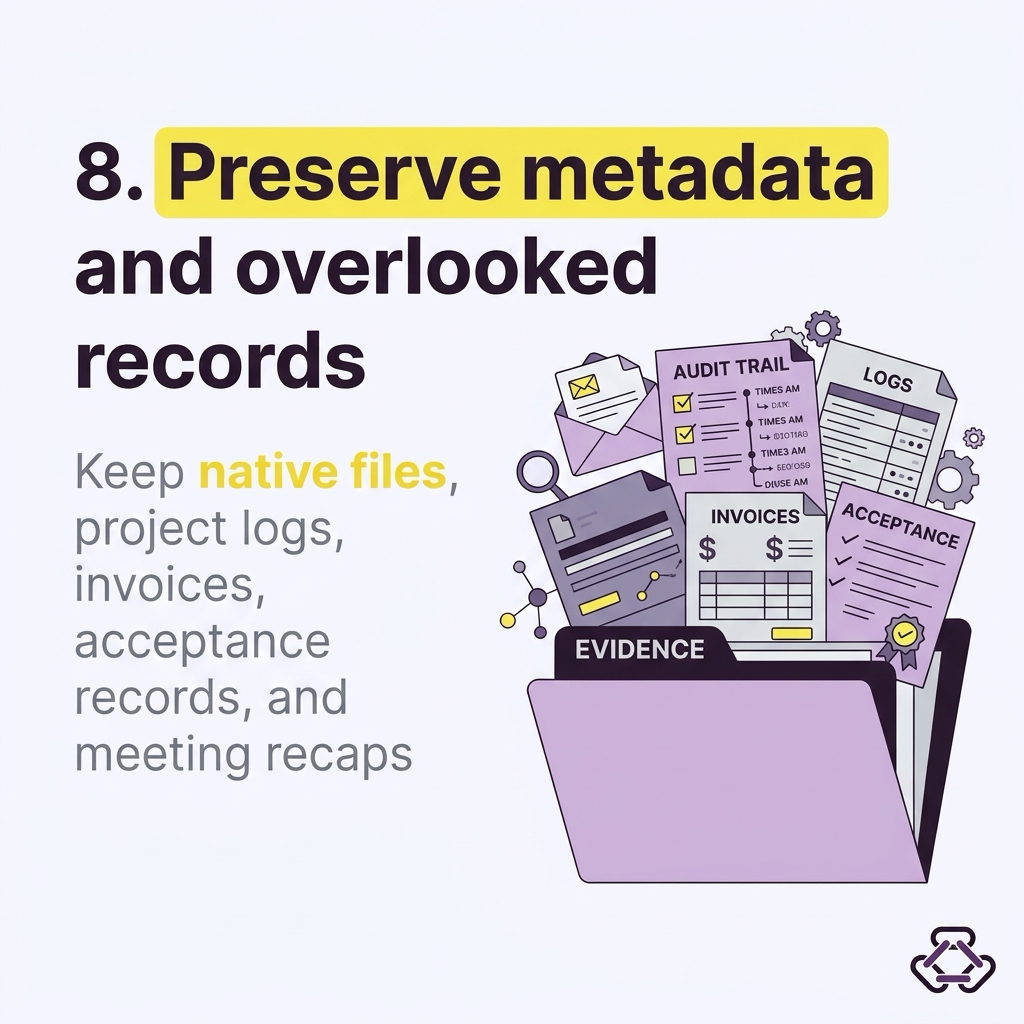
5. Preserve Metadata And Native Files
PDFs are useful, but native files can matter too. Emails, message exports, project logs, and e-signature audit trails may contain metadata showing when a record was created, edited, transmitted, or approved.
Federal discovery rules explicitly address electronically stored information, and parties may have preservation obligations once a dispute is reasonably anticipated (Cornell Legal Information Institute; Cornell Legal Information Institute). In practical terms, that often means businesses may want to avoid deleting relevant emails, chat logs, ticket histories, or cloud-based project records once the dispute becomes serious.
How To Handle Informal Approvals
Many business disputes involve approvals that were real in practice but messy on paper.
Examples include:
- “Looks good — go ahead”
- “Approved from our side”
- “Please prioritize this ASAP”
- “We can sort pricing later”
- “Let’s include it in the next invoice”
- Silence after a quote was sent and work began
These records do not automatically resolve the dispute. But they may become important context when an attorney evaluates waiver, modification, course of dealing, estoppel, or implied acceptance.
The safest organizational approach is to collect informal approvals in a dedicated folder and tag each one with:
- Request being approved
- Date of request
- Date of response
- Sender authority level
- Related pricing discussion
- Related schedule discussion
- Whether performance followed
If there was no formal signed change order, it may also help to note whether the parties had a pattern of operating that way on earlier phases.
What Approval History Often Looks Like In Real Life
Approval history is rarely a tidy signature page. More often, it is spread across multiple records that, when combined, show assent.
A typical chain may include:
- Client asks for additional work on a call
- Vendor sends recap email the same day
- Client replies “confirmed”
- Vendor updates project board
- Team performs work for two weeks
- Vendor sends revised invoice
- Client later disputes price or says no written change order exists
That sequence does not answer every legal question. It does, however, create a factual record. And factual records are what attorneys use to build arguments.
Documents That Often Get Overlooked
A surprising amount of useful evidence sits outside the formal contract folder.
Meeting Notes And Recap Emails
If a change was discussed in a meeting, the follow-up email may become one of the clearest records of what happened.
Project Management Logs
Asana, Monday.com, Jira, Trello, Basecamp, and similar tools often show task creation, assignment, completion, and comments. These records can help show whether a disputed item was treated as baseline work or extra work.
Invoice Narratives
Invoices with detailed line descriptions can help prove that extra work was separately identified and billed. They can also hurt that argument if the descriptions are vague.
Deliverable Acceptance Records
If the client signed off on milestones, approved mockups, accepted beta releases, or used the deliverable in production, those facts may matter to claims about performance and damages.
Internal Escalation Notes
These may help identify when the dispute first surfaced. They may also raise privilege questions once counsel becomes involved, so an attorney may want to review how they are collected and handled.
Red Flags That Suggest Your File Is Not Ready
A dispute file may need more work if:
- The signed SOW is missing attachments
- There are multiple “final” versions
- File names do not show dates
- Email approvals exist but are not linked to the exact scope change
- Invoices do not match change requests
- Team members used personal devices or text messages
- Project managers approved changes without clear authority
- The work began before price and time adjustments were documented
- Key records live only in one employee’s inbox
- No litigation hold or preservation step has been taken after the dispute escalated
These issues do not automatically destroy a claim or defense. They often mean the facts will take more work to reconstruct.
How An Attorney May Use This Organized Record
A business litigation attorney or contract-dispute attorney will often review the file for a few central themes:
Contract Formation And Interpretation
What documents make up the agreement? Was the SOW incorporated? Did an order form control over a proposal? Did the contract include a no-oral-modification clause?
Modification, Waiver, And Course Of Performance
Did the parties consistently act outside the written amendment process? The ABA notes that conduct can become relevant where written change-order requirements were not followed in practice (American Bar Association).
Authentication And Admissibility
Can the business prove these emails, logs, and records are authentic and regularly kept? Federal evidence rules address both business-records foundations and self-authentication of certain electronic evidence (Cornell Legal Information Institute; Cornell Legal Information Institute).
Damages
What extra work was performed? What invoices remain unpaid? What time extensions were requested? What internal cost records support the amount in dispute?
Credibility
Contemporaneous documents often carry more weight than later recollections. A clean chronology may help show who objected promptly, who stayed silent, and who kept performing.
A Simple Framework For Businesses In The Middle Of A Dispute
If you are trying to get organized quickly, this practical framework may help:
Step 1: Freeze The Record
Gather files from contracts, email, chat, invoicing, and project systems. Avoid editing originals. Save copies in a secure matter folder.
Step 2: Build The Timeline
List every major event from proposal through dispute. Focus on scope, price, time, approvals, objections, invoices, and delivery.
Step 3: Tag Each Item
Use tags like:
- Original scope
- Possible change order
- Approval
- Rejection
- Payment
- Acceptance
- Delay
- Dispute notice
Step 4: Identify The Missing Pieces
Look for missing attachments, unsigned versions, absent pricing backups, or verbal instructions that were never confirmed in writing.
Step 5: Prepare A Summary For Counsel
A short memo can help an attorney get up to speed faster:
- Parties involved
- Contract date
- Project description
- Amount in dispute
- Main disputed scope items
- Key approvals
- Key missing approvals
- Current status of payment or performance
The Bigger Picture In Client Disputes
A disagreement over statements of work and approval history is rarely just about paperwork. Usually it reflects a larger breakdown in commercial expectations: what one side thought it was buying, what the other thought it was delivering, and how each side documented the gap.
That is why organized records matter so much. They can help reveal whether the dispute is really about unpaid invoices, undocumented scope growth, acceptance of work, informal authorization, or a termination that came after months of tolerated changes.
And when the facts are organized early, legal counsel can spend more time evaluating leverage, defenses, damages, and resolution options instead of untangling filenames and inbox fragments.
Final Thoughts
Learning how to organize statements of work, change orders, and approval history in a client dispute often starts with one simple idea: build a clean, evidence-based story from the records created during the relationship.
In many disputes, the strongest file is not the one with the most paper. It is the one that clearly shows the original deal, each later change, who approved what, how performance continued, and where the disagreement actually began.
If your business is dealing with a dispute over scope, billing, performance, or termination, an attorney may be able to evaluate those records and determine how the documentation fits the contract language, the parties’ conduct, and the available claims or defenses.
Visit ReferU.AI to get matched with an attorney who has demonstrable experience in cases like yours — for free.
